Assumed audience: Software developers broadly familiar with using GitHub Pages.
I just finished testing a GitHub Actions setup to allow us to publish a fork of dprint-plugin-markdown, with the absolutely classic experience of having to iterate repeatedly on a GitHub Actions workflow by running it on GitHub, seeing it fail, fixing that issue, and trying it again.
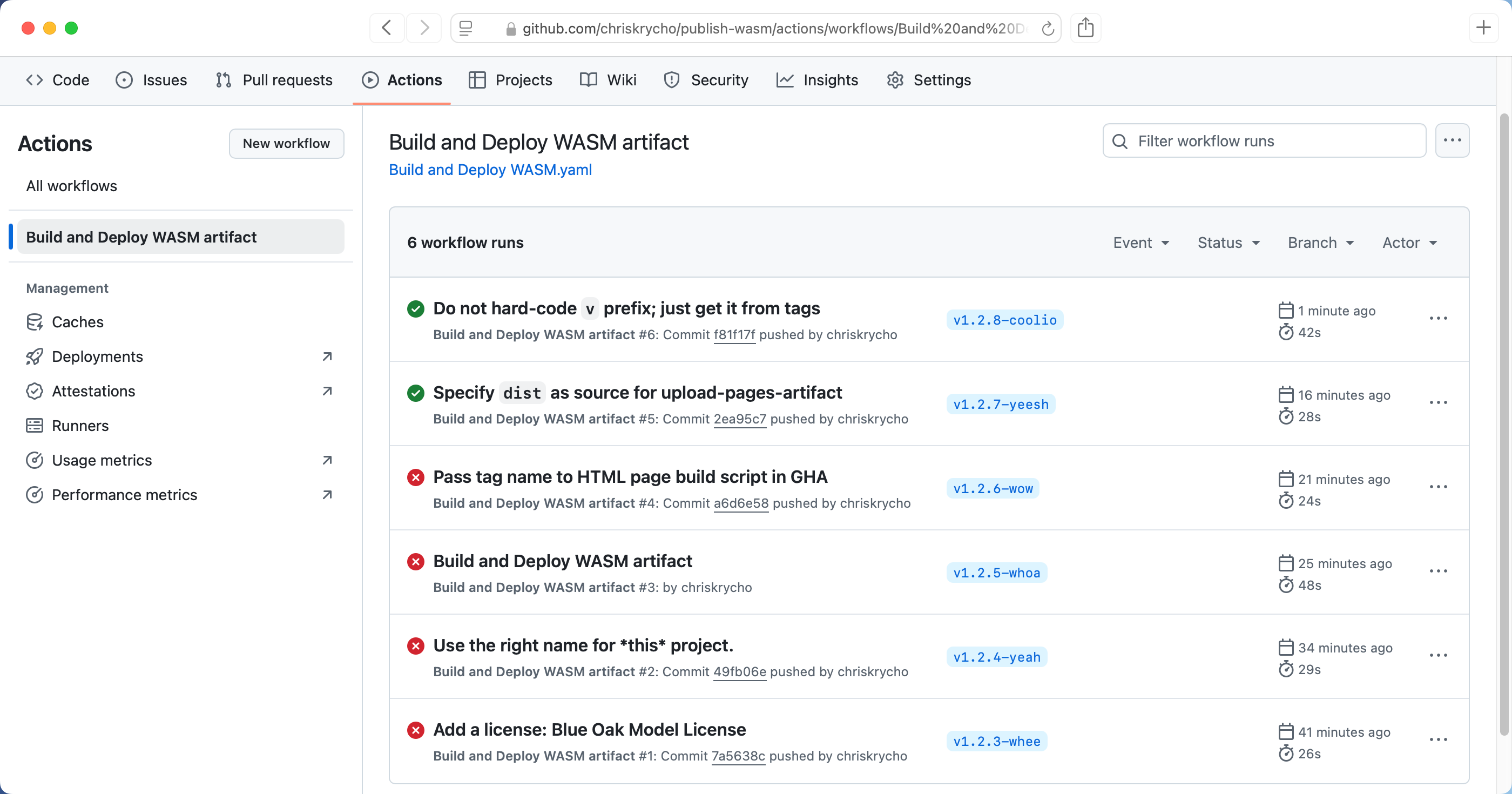
The output from this is a trivial HTML page which links to whatever version of the Wasm plugin was just published, as well as the .wasm file. You can see the resulting page for the tiny repo where I experimented to get it working here.
In the past, I have only ever deployed to GitHub Page using GitHub’s built-in support for using a directory or a branch. In this case, it made more sense to use its support for using a GitHub Actions workflow as the source for the output, along with the actions/upload-pages-artifact and actions/deploy-pages, because I needed to build the Rust Wasm code and upload that along with the HTML, and I also wanted to update the HTML output with the version I had just published.
The flow is pretty straightforward in the end: you configure the upload-pages-artifact action to accept a directory, and deploy-pages will pull from that automatically. Having those in separate steps keeps things a bit cleaner. You can find the full workflow I built for this here.
Two other things I did not know till today for a workflow like this.
- You must set the project up to publish via GitHub Actions on the Settings > Pages page.
- You must configure the
github-pagesenvironment to allow tags as well as the default branch on the Settings > Environments page.